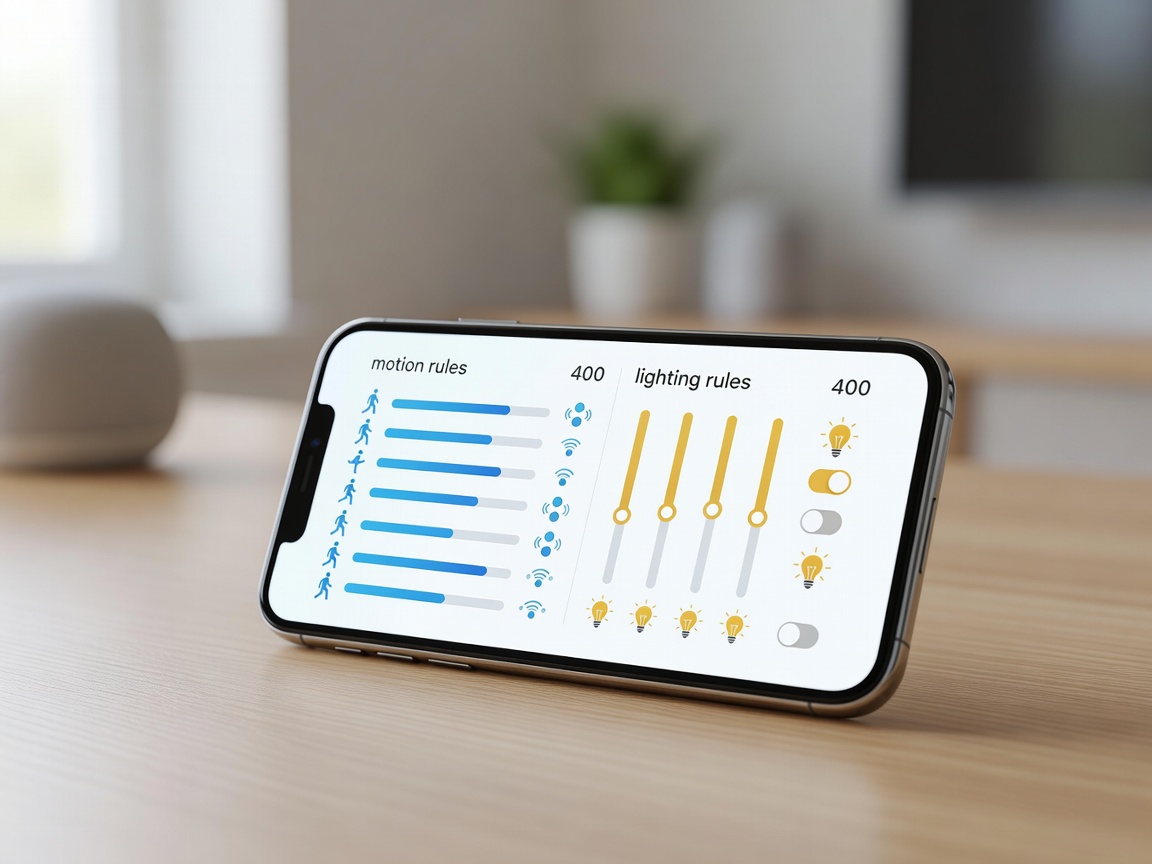
The Evolution of the Wall Switch
The traditional wall switch is rapidly becoming a manual override rather than the primary method of lighting control. By integrating motion sensors with smart lighting ecosystems, environments can adapt dynamically to human presence. However, creating a system that feels magical—rather than frustrating—requires understanding network latency, protocol selection, and routine logic.
Combating Latency: The Protocol Choice
When a user walks into a dark room, there is a psychological expectation that the lights will turn on instantly. A delay of even 500 milliseconds is noticeable and annoying. This delay is known as latency, and it is heavily influenced by the wireless protocol your devices use.
- Wi-Fi: Devices connect directly to the home router. While ubiquitous, Wi-Fi sensors often enter deep sleep to preserve battery. Waking up, reconnecting to the router, reaching a cloud server, and sending the signal back down to a smart bulb can take 1-3 seconds. This is generally unacceptable for primary lighting control.
- Zigbee & Z-Wave: These are low-power, mesh-networking protocols. Sensors communicate directly with a local hub (or sometimes directly with the bulbs themselves via binding). Because the processing happens locally without a cloud trip, latency is often sub-200 milliseconds.
- Thread / Matter: The newest standard in smart home automation, Thread provides the low-power mesh benefits of Zigbee but operates on IPv6. Devices communicate locally with extremely low latency, establishing a new benchmark for smart lighting responsiveness.
The Role of Lux Sensors
A frequent error in smart lighting setup is failing to account for ambient light. If it is 1:00 PM on a sunny day and a room is flooded with natural light, motion should not trigger the overhead fixtures. To prevent this energy waste, high-quality motion sensors include an integrated lux (luminance) sensor.
By creating a conditional routine in your smart home hub, you can dictate that the lights only turn on if motion is detected and the ambient light level is below a specific lux threshold. This ensures artificial lighting is only deployed when genuinely needed.
Time-of-Day Routines
Integration allows for dynamic responses based on the time of day. A single motion sensor in a hallway can trigger vastly different lighting scenarios depending on the hour.
For example, between 7:00 AM and 10:00 PM, motion might trigger the hallway lights to 100% brightness at a cool 4000K color temperature. However, if the same sensor detects motion at 3:00 AM, the routine can trigger the lights to only 15% brightness at a warm 2700K color temperature—providing enough light to safely navigate to the bathroom without disrupting the occupant's circadian rhythm or blinding them.
Timeout and Fade Parameters
Equally important to how lights turn on is how they turn off. The "timeout" dictates how long the system waits after the last detected motion before shutting down the lights. Short timeouts (1-2 minutes) are ideal for transitional spaces like hallways and pantries. Longer timeouts (15-30 minutes) are necessary for living rooms or offices where occupants may sit still for extended periods.
To prevent the jarring experience of lights suddenly snapping off while a room is occupied, implement a fade-out routine. For instance, after 10 minutes of no motion, the lights fade to 30% over 30 seconds. This provides a visual warning to the occupant, allowing them to wave a hand or move to re-trigger the sensor before the room goes completely dark.